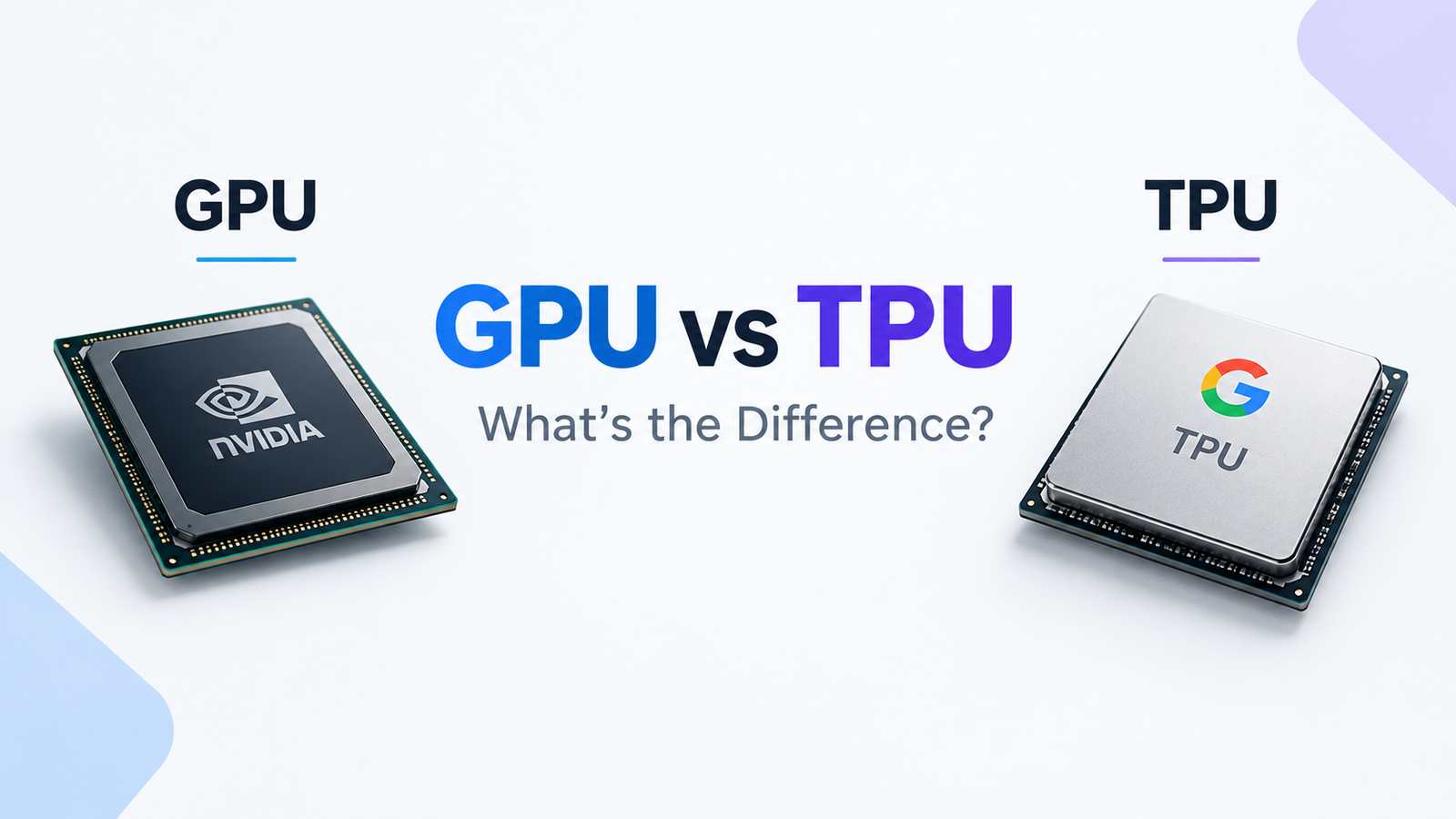
Artificial intelligence has changed the way modern computers use processors. Training an AI model, generating images, running a large language model, or powering an AI chatbot can require enormous amounts of computing power.
Two types of hardware are particularly important in this space: GPUs and TPUs.
You have probably heard of NVIDIA GPUs being used to train AI models. You may also have heard about Google’s Tensor Processing Units (TPUs), which are custom-designed accelerators for machine learning.
So what exactly is the difference between a GPU and a TPU? Why do AI companies use them? And which one is better for AI?
The answer isn’t as simple as saying one is faster. GPUs and TPUs are designed differently, have different software ecosystems, and can be better suited to different workloads.
What Is a GPU?
A GPU (Graphics Processing Unit) is a processor originally designed to handle graphics and highly parallel calculations.
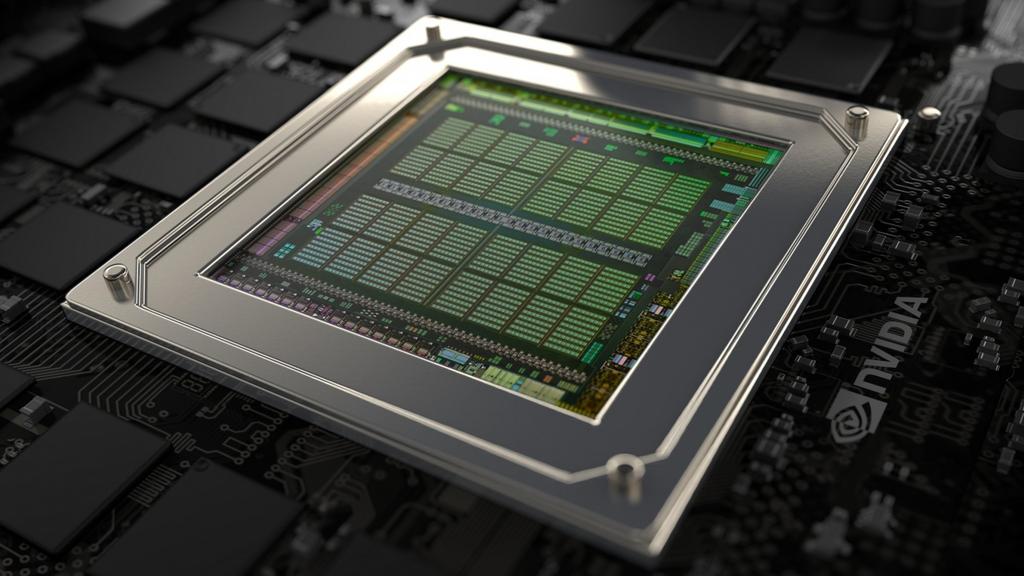
Unlike a CPU, which has a relatively small number of powerful general-purpose cores, a GPU contains many parallel computing resources that can work on large numbers of operations simultaneously.
That makes GPUs extremely useful for workloads involving huge amounts of mathematical calculations.
Today, GPUs are used for much more than graphics.
They are widely used for:
- Artificial intelligence
- Machine learning
- Deep learning
- 3D rendering
- Scientific computing
- Cryptocurrency-related workloads
- Video processing
- Data analytics
- Generative AI
NVIDIA’s CUDA ecosystem, for example, provides GPU-accelerated libraries for linear algebra, mathematics, and other machine-learning workloads. (NVIDIA Developer)
If you’re interested in the hardware behind AI, you can also read our guide to What Is VRAM and How Much Do You Really Need?.
What Is a TPU?
A TPU (Tensor Processing Unit) is a specialized processor developed by Google specifically for machine-learning workloads.
Google describes TPUs as custom-developed application-specific integrated circuits (ASICs) designed to accelerate machine learning. (Google Cloud Documentation)
The key idea is specialization.
Instead of designing a processor to handle a huge variety of computing tasks, Google designed TPUs around operations that are particularly important for neural networks, especially large matrix calculations.
Modern Cloud TPUs are available through Google Cloud services such as Compute Engine and Google Kubernetes Engine. (Google Cloud Documentation)
You can think of the difference like this:
GPU:
“I’m a highly parallel processor that can handle many different types of workloads.”
TPU:
“I’m a specialized accelerator designed specifically around machine-learning workloads.”
GPU vs TPU at a Glance
| Feature | GPU | TPU |
|---|---|---|
| Full name | Graphics Processing Unit | Tensor Processing Unit |
| Original purpose | Graphics and parallel computing | Machine learning |
| Design | General-purpose parallel accelerator | AI-focused ASIC |
| AI workloads | Excellent | Excellent for supported workloads |
| Flexibility | Very high | More specialized |
| Popular ecosystem | CUDA, PyTorch, TensorFlow, JAX | JAX, PyTorch and Google’s TPU software stack |
| Consumer availability | Widely available | Primarily cloud/data-center focused |
| Gaming | Yes | No |
| Graphics rendering | Yes | No |
| Large-scale AI | Yes | Yes |
| Custom operations | Generally more flexible | More constrained |
The exact capabilities depend on the specific generation and software stack. For example, Google’s current TPU documentation says its latest TPU7x supports JAX and PyTorch, while TensorFlow is not supported on TPU7x. (Google Cloud Documentation)
Why Are GPUs Good for AI?
AI models perform enormous numbers of mathematical operations.
A neural network might need to multiply and add millions or billions of values repeatedly.
GPUs are extremely good at this because they were built around parallel processing.
Imagine you need to perform the same mathematical operation on 10 million numbers.
A CPU might process those operations using a smaller number of powerful cores.
A GPU can divide the workload among many parallel processing units.
This makes GPUs particularly useful for machine learning.
They are also highly flexible.
A GPU can be used for:
Gaming → 3D rendering → AI training → video processing → scientific computing
That flexibility is one of the biggest reasons GPUs have become such an important part of the AI industry.
Why Are TPUs Good for AI?
TPUs take specialization even further.
Google designed TPUs around the mathematical operations commonly used by neural networks.
Google’s documentation explains that TPUs are optimized for workloads dominated by matrix computations and large effective batch sizes. (Google Cloud Documentation)
This makes them particularly interesting for very large machine-learning workloads.
TPUs also contain high-bandwidth memory and are designed to connect multiple accelerator chips together for large-scale workloads. (Google Cloud Documentation)
This is important because modern AI models can become so large that a single accelerator isn’t enough.
Instead, hundreds or thousands of accelerators may need to work together.
GPU vs TPU: Architecture
The biggest difference is how they are designed.
GPUs Are More General
GPUs were originally designed for graphics, but their parallel architecture makes them useful for many other calculations.
This gives them a broad range of applications.
You can use a GPU to:
- Train AI models
- Run AI inference
- Render games
- Edit videos
- Generate 3D graphics
- Perform scientific calculations
TPUs Are More Specialized
TPUs are designed around machine-learning operations.
For example, Google’s TPU architecture contains specialized matrix-multiplication hardware called Matrix Multiply Units (MXUs). (Google Cloud Documentation)
This specialization can make TPUs highly effective for workloads that match their architecture.
However, workloads that depend heavily on unsupported custom operations or frequent branching may not be a good fit for TPUs. Google specifically lists such workloads among cases where Cloud TPUs are not well suited. (Google Cloud Documentation)
CUDA vs TPU Software Ecosystem
Hardware isn’t the whole story.
Software support is one of the biggest differences between GPUs and TPUs.
NVIDIA GPUs have a mature software ecosystem built around CUDA.
CUDA allows developers to take advantage of NVIDIA GPUs for general-purpose computing and provides optimized libraries for AI and scientific workloads. (NVIDIA Developer)
This has helped create a huge ecosystem around NVIDIA GPUs.
Developers can work with frameworks such as:
- PyTorch
- TensorFlow
- JAX
- CUDA libraries
- Various AI optimization frameworks
TPUs have their own software stack and are closely integrated with Google’s machine-learning infrastructure.
Google’s current documentation notes that TPUs can be used with frameworks including JAX and PyTorch, depending on the TPU generation. (Google Cloud Documentation)
GPU vs TPU for Machine Learning
So which one should you use for machine learning?
It depends on the workload.
Google’s own guidance suggests GPUs can be preferable for models with significant custom PyTorch/JAX operations or operations that aren’t available on Cloud TPU. TPUs are particularly suited to models dominated by matrix calculations, large batch sizes, and long training workloads. (Google Cloud Documentation)
GPUs can be a strong choice when:
- You need flexibility
- You’re experimenting with different models
- Your workload uses custom operations
- You’re using NVIDIA’s CUDA ecosystem
- You need the same hardware for AI and graphics
- You want broad software compatibility
TPUs can be a strong choice when:
- Your workload is heavily based on matrix operations
- You’re running large-scale AI workloads
- Your model works well with Google’s TPU software stack
- You need to scale across large TPU configurations
- You’re working extensively with Google’s infrastructure
Which Is Faster: GPU or TPU?
There isn’t a universal answer.
A TPU can outperform a GPU on one workload while a GPU can outperform a TPU on another.
Performance depends on factors such as:
- Model architecture
- Batch size
- Precision
- Memory requirements
- Software optimization
- Framework
- Number of accelerators
- Communication between accelerators
- Input/output requirements
For example, Google’s TPU documentation says that TPU performance depends heavily on how effectively workloads use its matrix-multiplication hardware and memory system. (Google Cloud Documentation)
So simply comparing TFLOPS doesn’t tell the whole story.
A higher theoretical number doesn’t automatically mean faster real-world AI training.
What About Cost?
Cost is another complicated factor.
Cloud providers offer different GPU and TPU configurations, pricing models, discounts, and availability.
Google Cloud currently offers both NVIDIA GPU infrastructure and Cloud TPU options, including newer TPU generations. Pricing can vary considerably depending on the accelerator, configuration, and purchasing model. (Google Cloud)
For AI companies, the important metric isn’t necessarily:
“Which chip is cheaper per hour?”
Instead, they may care about:
How much does it cost to complete the entire workload?
For example, a more expensive accelerator could potentially be more economical if it finishes a job significantly faster.
This is why total cost of ownership (TCO) and performance per dollar are often more useful than simply comparing hourly prices.
Are TPUs Only Made for Google?
TPUs are Google’s custom-designed AI accelerators, and Cloud TPU makes them available through Google Cloud.
They aren’t comparable to consumer GPUs that you can simply purchase and install into a gaming PC.
Cloud TPUs are primarily relevant to organizations and developers running machine-learning workloads in cloud infrastructure.
Google’s current TPU lineup includes generations such as v5e, v5p, v6e (Trillium), and TPU7x (Ironwood). (Google Cloud Documentation)
Google has also continued developing newer TPU generations specifically for large-scale AI training and inference. (Google Cloud)
Can You Use a TPU Instead of a GPU?
Sometimes.
If your AI model and software stack are compatible with TPUs, you can potentially move workloads from GPUs to TPUs.
But it isn’t always a simple one-click replacement.
Your framework, operations, model architecture, compiler behavior, memory requirements, and scaling strategy all matter.
Google notes that TPU workloads are compiled using XLA (Accelerated Linear Algebra), which translates computational graphs and linear algebra operations into TPU machine code. (Google Cloud Documentation)
That software compilation layer is one of the reasons TPU optimization can be different from GPU optimization.
GPU vs TPU for AI Inference
Both GPUs and TPUs can be used for AI inference, which means running an already-trained model to produce results.
For example:
Training:
The model learns from data.
Inference:
The trained model produces an answer, prediction, image, or other output.
Inference can involve enormous numbers of requests, particularly for services such as AI chatbots and recommendation systems.
Google’s newer TPU generations are explicitly designed for large-scale training and inference workloads. TPU7x, for example, is designed for large-scale AI training and inference, including dense and mixture-of-experts models. (Google Cloud Documentation)
GPU vs TPU for Generative AI
Generative AI has increased demand for specialized computing hardware.
Large language models, image-generation systems, recommendation models, and other AI applications require huge amounts of computation.
Both GPUs and TPUs can be used for these workloads.
Google says its TPU infrastructure is designed to support workloads including large language models, code generation, and intelligent agents. (Google Cloud)
GPUs remain extremely important because of their flexibility and extensive software ecosystem.
So the AI industry isn’t simply moving toward one universal accelerator.
Instead, companies can choose different hardware depending on their models, infrastructure, software, cost requirements, and scale.
GPU vs TPU: Which One Should You Choose?
There isn’t one answer for everyone.
Choose a GPU when:
You need maximum flexibility, broad software support, or a platform that can handle AI alongside other workloads.
GPUs are also the obvious choice for gaming PCs, workstations, and applications requiring graphics rendering.
Consider a TPU when:
You’re running a compatible machine-learning workload at significant scale and want an accelerator specifically designed around AI computation.
TPUs can be particularly attractive when your workload maps efficiently onto Google’s TPU architecture and software stack.
The Future of AI Accelerators
The competition between GPUs and TPUs is part of a much bigger trend.
AI workloads are becoming increasingly specialized, and companies are developing hardware specifically for artificial intelligence.
GPUs remain highly flexible general-purpose accelerators, while TPUs represent a more specialized approach.
We’re also seeing AI hardware become increasingly focused on:
- AI inference
- Large language models
- Mixture-of-experts models
- AI agents
- Recommendation systems
- Large-scale training
- Energy efficiency
- Memory bandwidth
- Accelerator-to-accelerator networking
Google’s latest TPU7x architecture, for example, is designed for large-scale training and inference and includes substantially higher compute, memory capacity, and memory bandwidth than earlier TPU generations. (Google Cloud Documentation)
Final Verdict: GPU or TPU?
GPUs are flexible. TPUs are specialized.
That’s the simplest way to understand the difference.
A GPU is like a highly versatile parallel computing machine that can be used for many different jobs.
A TPU is more like a specialized factory designed around the kinds of calculations that modern machine-learning models perform.
Neither is universally “better.”
The right choice depends on the AI model, software framework, workload, scale, performance requirements, and cost.
As AI models continue to grow, both types of accelerators—and many other specialized AI chips—will likely remain important parts of the computing industry.
Frequently Asked Questions
Is a TPU better than a GPU?
Not universally. TPUs are specialized for machine-learning workloads, while GPUs provide greater flexibility and a broader software ecosystem. The better option depends on the workload.
Is a TPU faster than a GPU?
It depends on the specific model, accelerator generation, software optimization, and workload. Raw theoretical performance doesn’t necessarily predict real-world performance.
Can GPUs run AI?
Yes. GPUs are widely used for AI training and inference and support major machine-learning frameworks and software ecosystems.
Can you use a TPU for gaming?
No. TPUs are designed for machine-learning workloads rather than graphics rendering or gaming.
Why does AI need GPUs?
AI models perform huge numbers of parallel mathematical operations. GPUs are designed to perform many calculations simultaneously, making them highly suitable for AI.
Why did Google create TPUs?
Google developed TPUs as specialized hardware for accelerating machine-learning workloads. (Google Cloud Documentation)
Are TPUs cheaper than GPUs?
Not necessarily. Pricing depends on the specific hardware, cloud provider, configuration, utilization, and pricing model.
What is the difference between a TPU and an NPU?
Both are specialized processors designed to accelerate AI-related workloads, but they are designed for different environments and purposes. TPUs are Google’s machine-learning accelerators, while NPUs are commonly integrated into consumer devices such as smartphones and PCs.
🔗 Internal Links to Add on Techetudes
I’ve integrated these as natural internal-link opportunities rather than dumping an unrelated link list into the article: