How Do Fingerprint Sensors Recognize You? The Technology Explained
You probably use fingerprint recognition every day without thinking about what is happening underneath.
A quick touch on your phone can unlock the device, authorize a payment, open an app, or verify your identity. The process feels almost instant, but behind that simple touch is a combination of sensors, image processing, biometrics, and security algorithms.
So how does a tiny sensor know that the finger touching it belongs to you?
The answer starts with something that makes every person’s fingertips different: the unique pattern of ridges and valleys in their fingerprints.
What Is a Fingerprint Sensor?
A fingerprint sensor is a biometric device designed to capture and analyze the unique characteristics of a person’s fingertip.
Unlike entering a password, fingerprint recognition doesn’t require you to remember anything. Your finger becomes the authentication method.
When you first register a fingerprint, the device scans your finger and creates a digital representation of its important characteristics. Later, when you place your finger on the sensor, the new scan is compared with that stored representation.
If the system determines that they match closely enough, access is granted.
The basic process looks like this:
Finger → Sensor → Fingerprint data → Feature extraction → Comparison → Match
The entire process can happen in a fraction of a second.
Why Are Fingerprints Different?
The skin on your fingertips isn’t smooth.
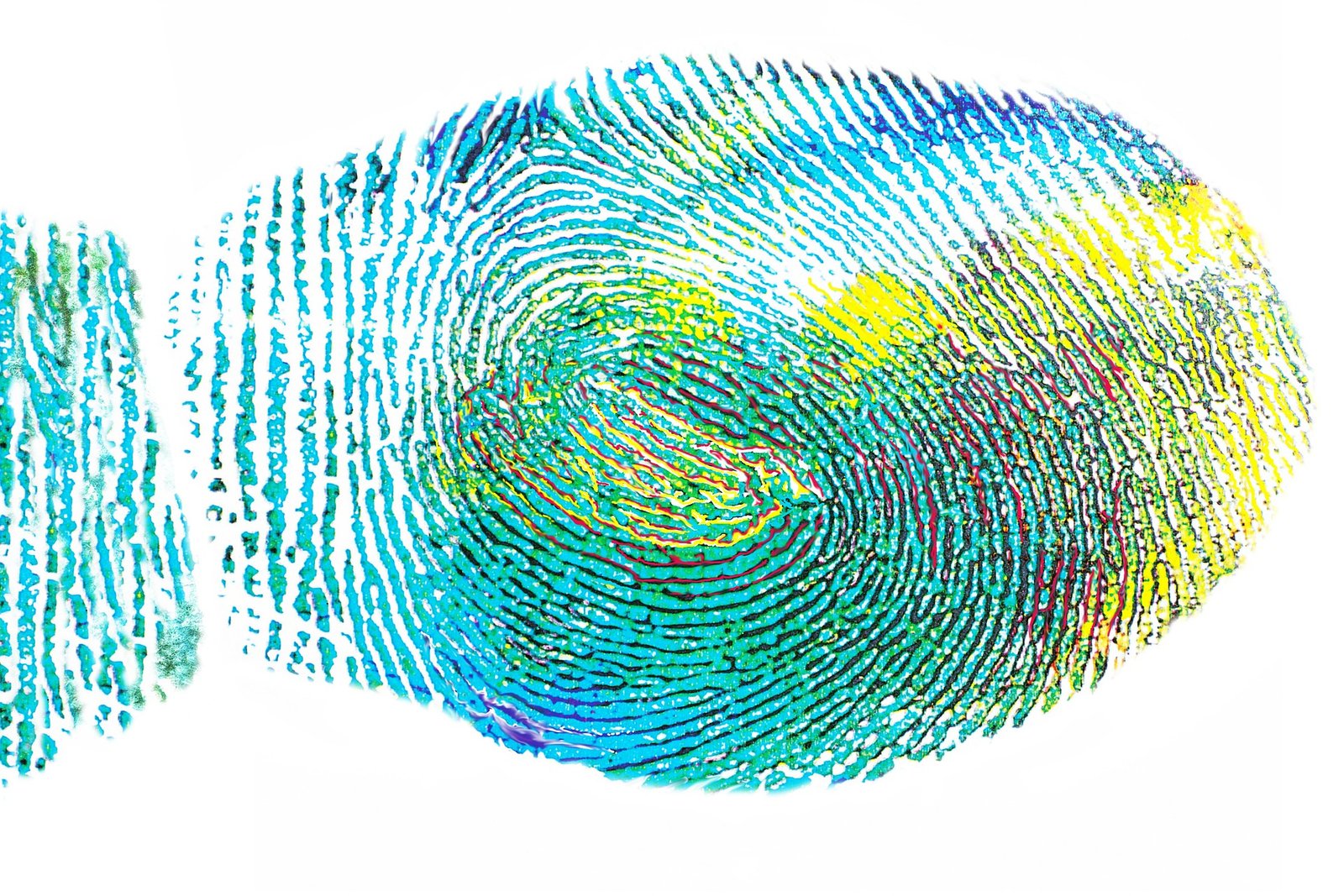
It contains raised lines called ridges, separated by lower areas called valleys.
These patterns form during development before birth and remain relatively stable throughout a person’s life.
Even identical twins generally have different fingerprints.
A fingerprint can contain many distinctive characteristics, including:
- Ridge endings
- Ridge branches
- Loops
- Whorls
- Arches
- Ridge direction
- Relative positions of individual features
Instead of simply asking, “Does this image look similar?”, biometric systems analyze these characteristics to determine whether two fingerprint samples are sufficiently similar.
Step 1: Enrolling Your Fingerprint

Before your phone can recognize your fingerprint, it needs to learn what your fingerprint looks like.
This happens during enrollment.
When you add a fingerprint to a device, you’re usually asked to place your finger on the sensor several times.
You may also be asked to move your finger slightly between scans.
This is important because you won’t touch the sensor in exactly the same position every time you unlock your phone.
The device collects multiple samples to build a more reliable representation of your fingerprint.
Instead of relying on one perfect scan, it can learn different portions and angles of your finger.
Step 2: The Sensor Captures Your Finger
Once your finger touches the sensor, the hardware needs to capture information about its ridges and valleys.
Different fingerprint sensors use different technologies.
The three major types are:
Capacitive Sensors
Optical Sensors
Ultrasonic Sensors
Although they work differently, their goal is similar: capture enough information about your fingerprint to perform biometric matching.
How Capacitive Fingerprint Sensors Work
Capacitive sensors are widely associated with traditional fingerprint readers and some smartphones.
They use tiny electrical measurements to detect differences between the ridges and valleys of your finger.
Your skin interacts with the sensor’s electrical field.
Because the ridges and valleys have different relationships with the sensor surface, the system can determine the fingerprint pattern.
The sensor then converts those measurements into digital data.
A simplified process looks like:
Finger touches sensor
↓
Electrical measurements are collected
↓
Ridges and valleys are detected
↓
Fingerprint pattern is reconstructed
↓
Pattern is compared
Capacitive technology can be fast and compact, making it useful for devices where the fingerprint sensor needs to occupy very little space.
How Optical Fingerprint Sensors Work
Optical sensors use light to capture a representation of your fingerprint.
When you place your finger over the sensor, light interacts with the surface of your skin.
The sensor captures the resulting pattern, creating an image that can be processed by the device.
The software then identifies important fingerprint characteristics.
Optical fingerprint technology is also used in some under-display fingerprint systems, where the sensor sits beneath a display.
The display can allow light to reach the fingerprint sensor, which then captures the necessary information.
How Ultrasonic Fingerprint Sensors Work
Ultrasonic fingerprint sensors use high-frequency sound waves instead of relying entirely on visible light.
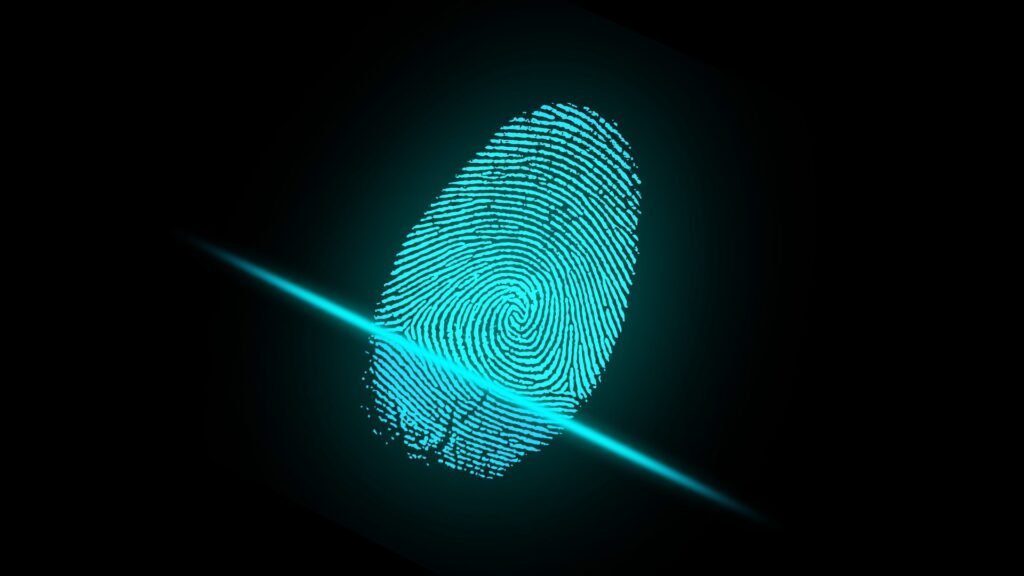
The sensor sends ultrasonic waves toward your finger and measures how those waves interact with the ridges and valleys.
The resulting information can be used to construct a detailed representation of the fingerprint.
One advantage of ultrasonic technology is that it can work through certain materials, which makes it particularly interesting for under-display fingerprint readers.
It can also provide information about the physical structure of the fingerprint rather than simply capturing a conventional image.
Step 3: The Device Extracts Fingerprint Features
After capturing your fingerprint, the device doesn’t necessarily need to store the entire scan as a normal photograph.
Instead, biometric software analyzes the scan and identifies important characteristics.
These can include minutiae points.
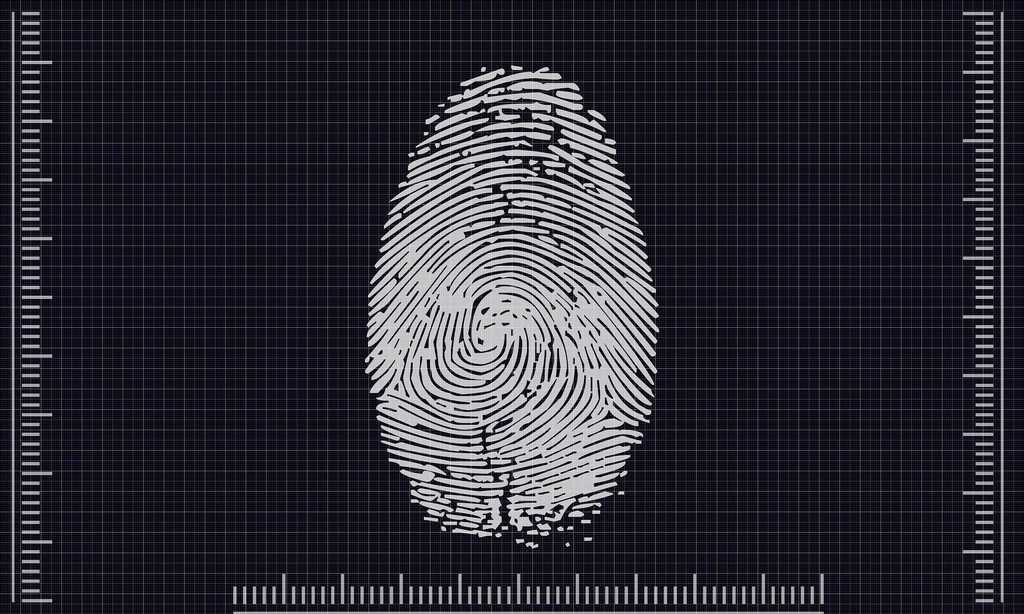
Minutiae are small, distinctive features in a fingerprint pattern, such as where a ridge ends or where one ridge splits into two.
For example:
        Ridge
───────────────
       /
──────/────────
     /
────/──────────
The software can analyze the positions and relationships of these features.
This creates a mathematical representation that can be used during future authentication.
Step 4: A Fingerprint Template Is Created
The extracted information is generally turned into a biometric template.
The template is used for comparison when you try to authenticate yourself later.
This is an important distinction.
A fingerprint authentication system doesn’t necessarily need to keep a simple photograph of your entire fingerprint.
Instead, it can work with mathematical data representing important characteristics.
The exact implementation varies between devices and biometric systems.
Modern devices are designed so that sensitive biometric information can be protected by dedicated security hardware and software.
Step 5: Your Finger Is Scanned Again
Now imagine that you’ve already enrolled your fingerprint.
Later, you place the same finger on the sensor.
The sensor captures a new sample.
This new sample won’t be perfectly identical to the original enrollment scans.
Your finger might be:
- Slightly rotated
- Positioned differently
- More or less dry
- Slightly wet
- Pressed with different pressure
The system therefore needs to be tolerant of small differences.
Step 6: The New Scan Is Compared
The device extracts features from the new fingerprint scan and compares them with the stored template.
It looks for enough similarities between the two samples.
This isn’t simply:
100% identical = yes
Anything different = no
Instead, biometric systems generally use matching algorithms and thresholds.
If the similarity is high enough, the system accepts the fingerprint.
If it isn’t, authentication fails.
This is why you might occasionally need to place your finger on the sensor again.
Why Doesn’t It Require a Perfect Match?
Imagine taking a photograph of your finger during enrollment.
Now imagine trying to reproduce the exact same photograph every time.
You couldn’t.
Your finger might be slightly tilted or positioned differently.
The sensor might capture a slightly different portion of your fingerprint.
Your skin might also change temporarily.
A good fingerprint system therefore needs to recognize the underlying fingerprint characteristics, rather than requiring every pixel to be identical.
This is one of the most important differences between ordinary image comparison and biometric recognition.
What Happens If Your Finger Is Wet?
Fingerprint sensors can sometimes struggle with wet fingers.
Water can interfere with the way certain sensors detect the surface of your skin.
Extremely wet fingers may blur or alter the apparent fingerprint pattern.
The same can happen with excessive moisture, dirt, or other substances between your finger and the sensor.
This is why cleaning the sensor and drying your finger can sometimes solve fingerprint recognition problems.
What About Very Dry Fingers?
Extremely dry skin can also cause problems.
When the skin becomes very dry, the sensor may have difficulty obtaining a strong, consistent reading of the ridges.
This can be particularly noticeable during cold weather or when your skin has become unusually dry.
Some devices handle these variations better than others.
Can a Fingerprint Sensor Detect a Real Finger?
Security isn’t just about recognizing a fingerprint pattern.
Some systems also attempt to determine whether the presented fingerprint comes from a real finger.
This is commonly referred to as liveness detection or presentation attack detection.
Depending on the technology, a system may analyze additional characteristics rather than relying only on the visible fingerprint pattern.
This makes attacks using simple photographs or other artificial replicas more difficult.
However, no biometric security technology should be considered completely impossible to attack.
Are Fingerprints Stored as Pictures?
This depends on the particular system.
Many modern biometric implementations use a mathematical representation or template rather than simply storing an ordinary photograph.
The exact security architecture varies between manufacturers and devices.
On smartphones, biometric information is generally designed to remain inside protected areas of the device rather than being freely accessible to ordinary applications.
This is important because your fingerprint is permanent in a way that a password isn’t.
If a password is compromised, you can change it.
You can’t simply replace your fingerprints.
Why Fingerprint Recognition Is So Fast
Modern fingerprint systems combine specialized hardware with optimized algorithms.
The sensor captures the fingerprint.
The processor extracts relevant information.
The biometric system compares the new sample against the enrolled template.
The result is then returned to the operating system.
All of this can happen extremely quickly.
That’s why unlocking a modern smartphone can feel almost instantaneous.
Fingerprint Sensors vs Passwords
Fingerprint authentication and passwords have different strengths.
| Feature | Fingerprint | Password |
|---|---|---|
| Easy to use | Very high | Medium |
| Easy to remember | Yes | Depends |
| Can be changed | No | Yes |
| Can be shared | Not normally | Yes |
| Vulnerable to phishing | Different risk | Yes |
| Physical authentication | Yes | No |
| Works without touching | Usually no | Yes |
Fingerprints are particularly convenient because you don’t have to remember anything.
Passwords, however, remain extremely important because they can be changed and are often used as part of a device’s underlying security architecture.
Can Someone Copy Your Fingerprint?
Fingerprint spoofing is a real security consideration, but successfully bypassing a modern fingerprint system can be considerably more complicated than simply obtaining a photograph of someone’s finger.
Modern biometric systems can use additional checks and security mechanisms to make attacks more difficult.
The effectiveness of these protections depends on the specific sensor and implementation.
For high-security environments, fingerprint recognition is often combined with other authentication methods rather than being treated as the only security mechanism.
Where Are Fingerprint Sensors Used?

Fingerprint recognition isn’t limited to smartphones.
You’ll find the technology in:
- Smartphones
- Laptops
- Access-control systems
- Smart locks
- Banking systems
- Government identity systems
- Security devices
- Time and attendance systems
- Automotive technology
As biometric hardware becomes smaller and more affordable, fingerprint recognition continues to appear in more devices.
The Future of Fingerprint Technology
Fingerprint sensors have evolved significantly from the early optical readers used in security systems.
Modern devices can integrate sensors directly beneath displays, use ultrasonic technology, and perform recognition extremely quickly.
Future biometric systems could combine fingerprint information with additional signals such as facial recognition, device behavior, and other authentication factors.
This could make authentication both more convenient and more difficult to attack.
At the same time, privacy will remain an important issue. Because biometric information is highly personal and cannot simply be replaced like a password, protecting biometric data will become increasingly important.
Final Thoughts
Fingerprint sensors may look simple from the outside, but the technology behind them is surprisingly sophisticated.
When you touch a fingerprint sensor, it doesn’t simply take a picture and ask whether it looks like your finger.
The sensor captures information about your fingerprint, software extracts distinctive characteristics, and a matching system compares those characteristics with the biometric template created during enrollment.
Your finger → Sensor → Feature extraction → Template comparison → Authentication
The process takes only a moment, but it combines sensors, signal processing, mathematics, software, and security technology to turn something as simple as touching a screen into a powerful authentication method.
And as smartphones, laptops, smart locks, and wearable devices continue becoming more connected, biometric technology is likely to become an even bigger part of how we prove who we are.